
How to Cancel Your Virtual Workshop Registration

Need to cancel your registration for a virtual WCC workshop? Open the first email Zoom sent you after you registered. This is your registration confirmation email—not a later reminder email.

Under the workshop date and time, you should find a line that reads, “To edit your registration details or cancel your registration, click here.”
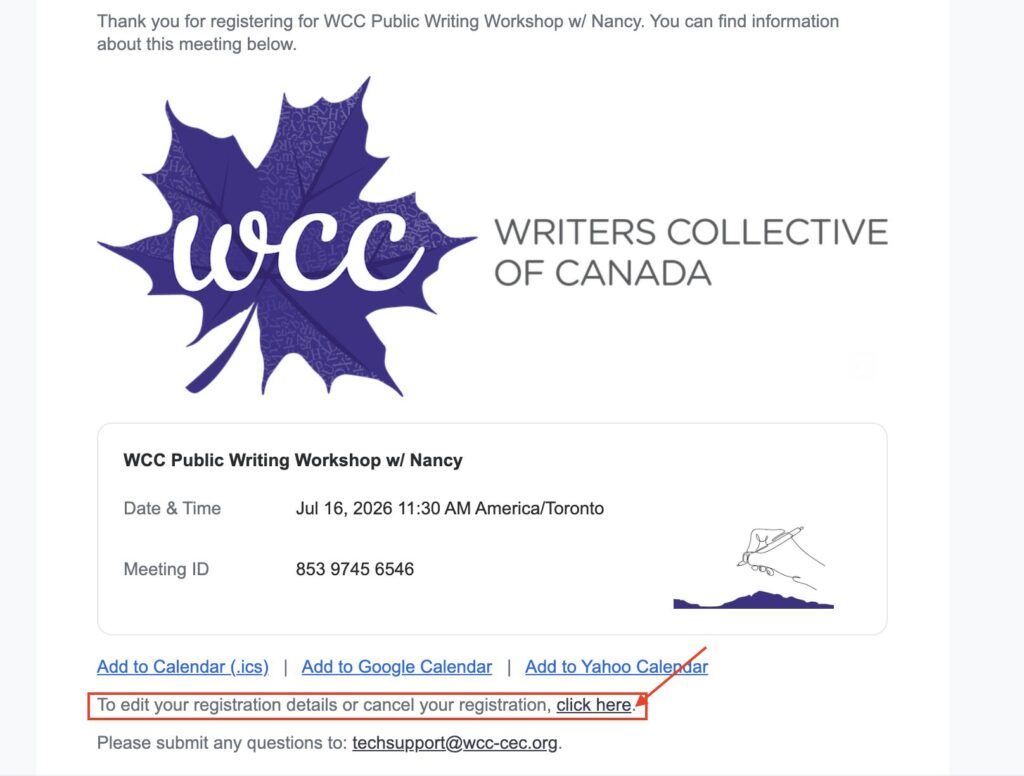
Zoom confirmation email showing the cancel registration link

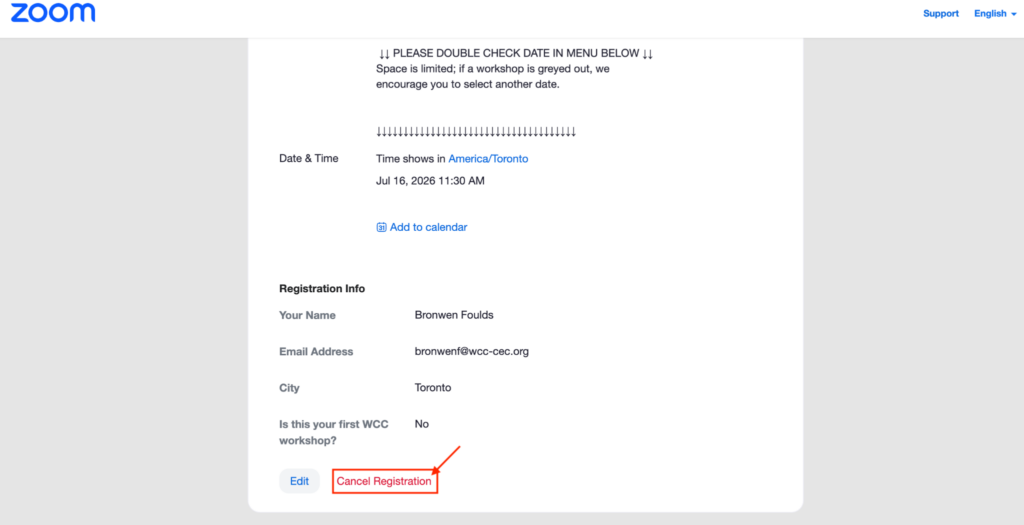
Click on this link and scroll to the bottom of the page to select “Cancel Registration.”

Zoom registration page with the Cancel Registration button

You will receive an email from Zoom confirming that your registration has been cancelled.

keyboard_arrow_up